


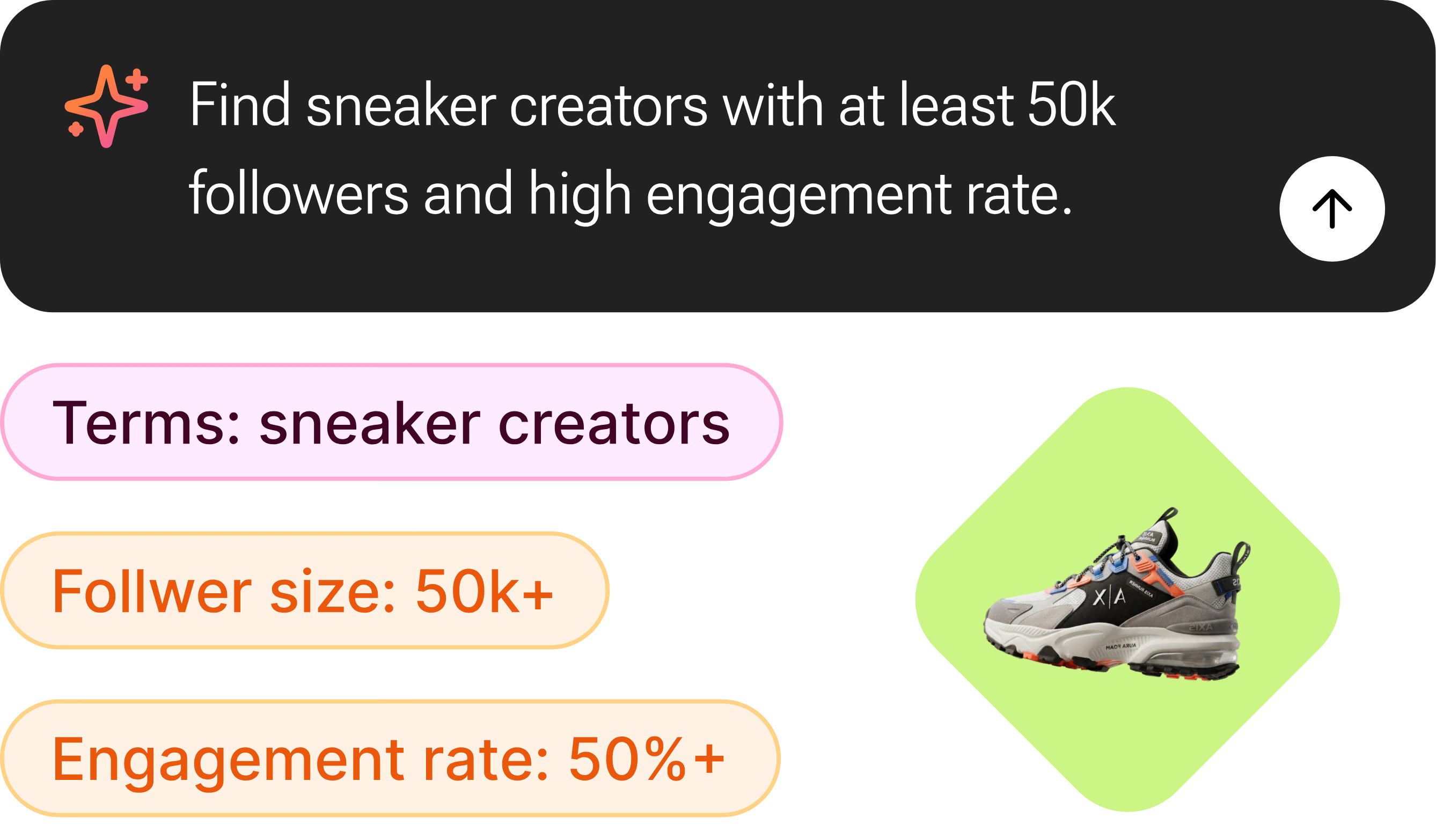
Describe It in Plain English
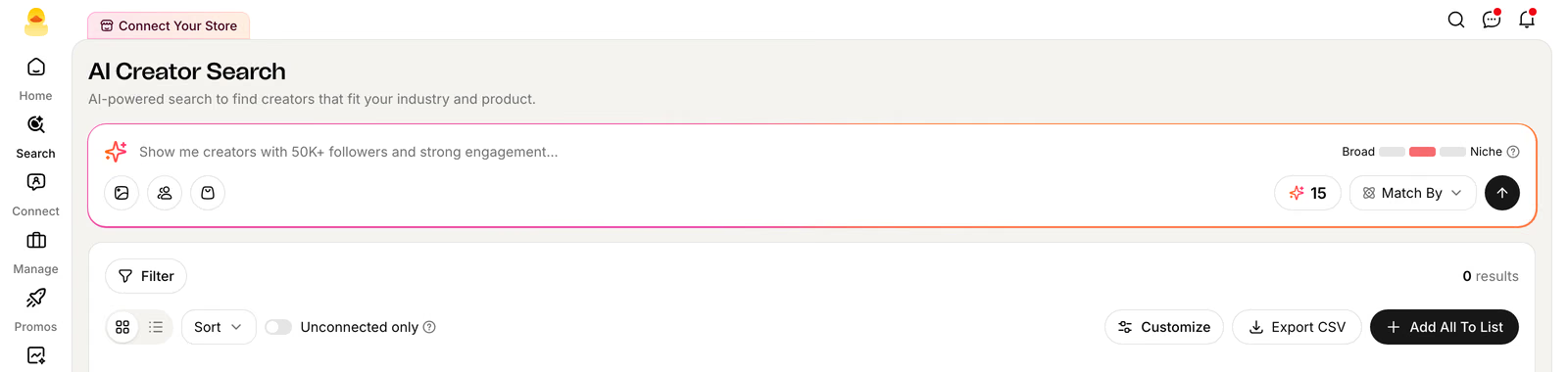
"Home & kitchen creators with 50K+ followers and GMV over $10K last month" — no dropdowns to configure first. Quacko's AI turns the sentence into a search.
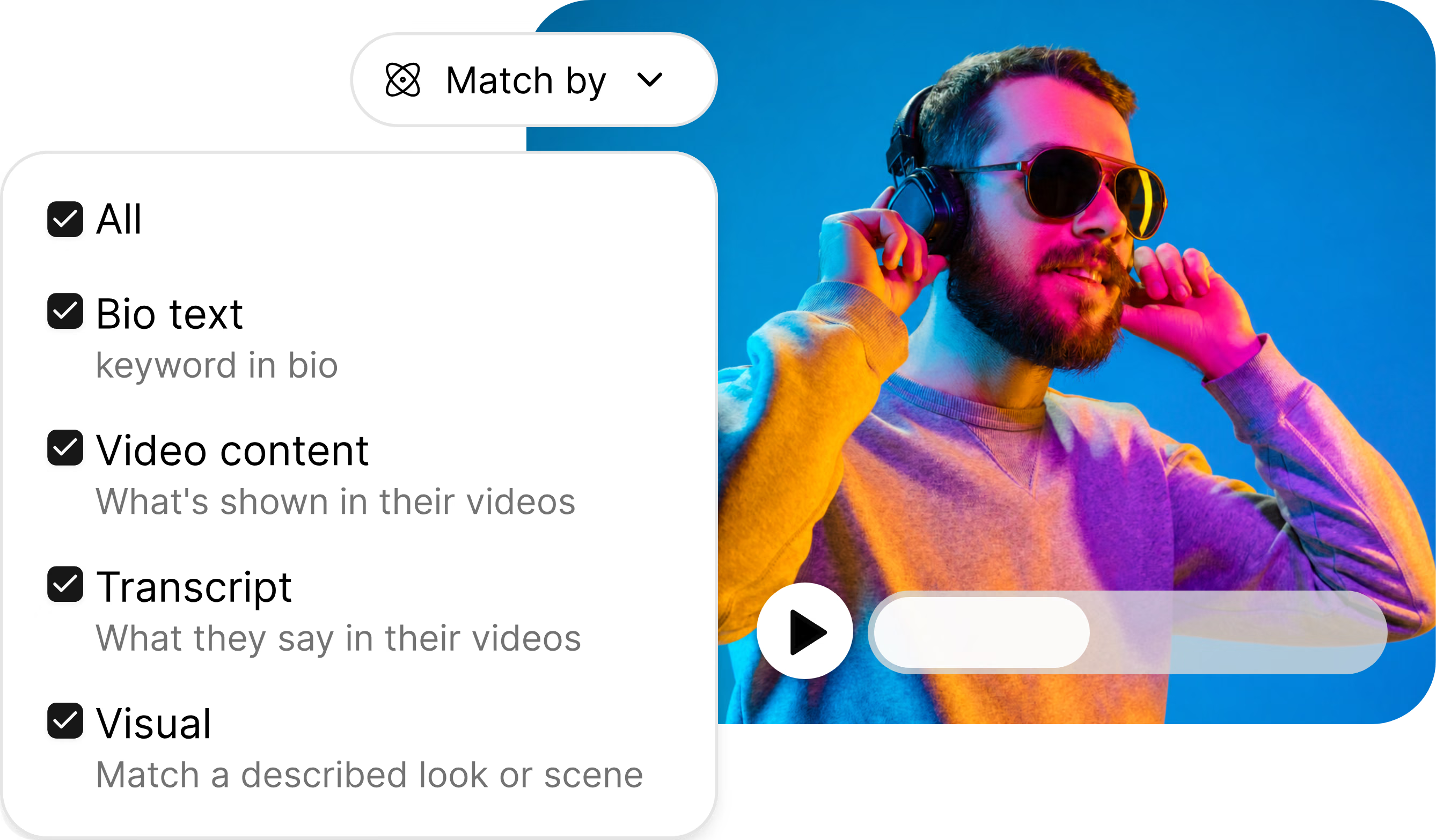
Quacko's AI matches on what's actually shown in a creator's videos, what they say on camera, or a described look — not just bios and follower counts. Layer on 20+ performance filters to zero in from there.





How it works
"Home & kitchen creators with 50K+ followers and GMV over $10K last month" — no dropdowns to configure first. Quacko's AI turns the sentence into a search.
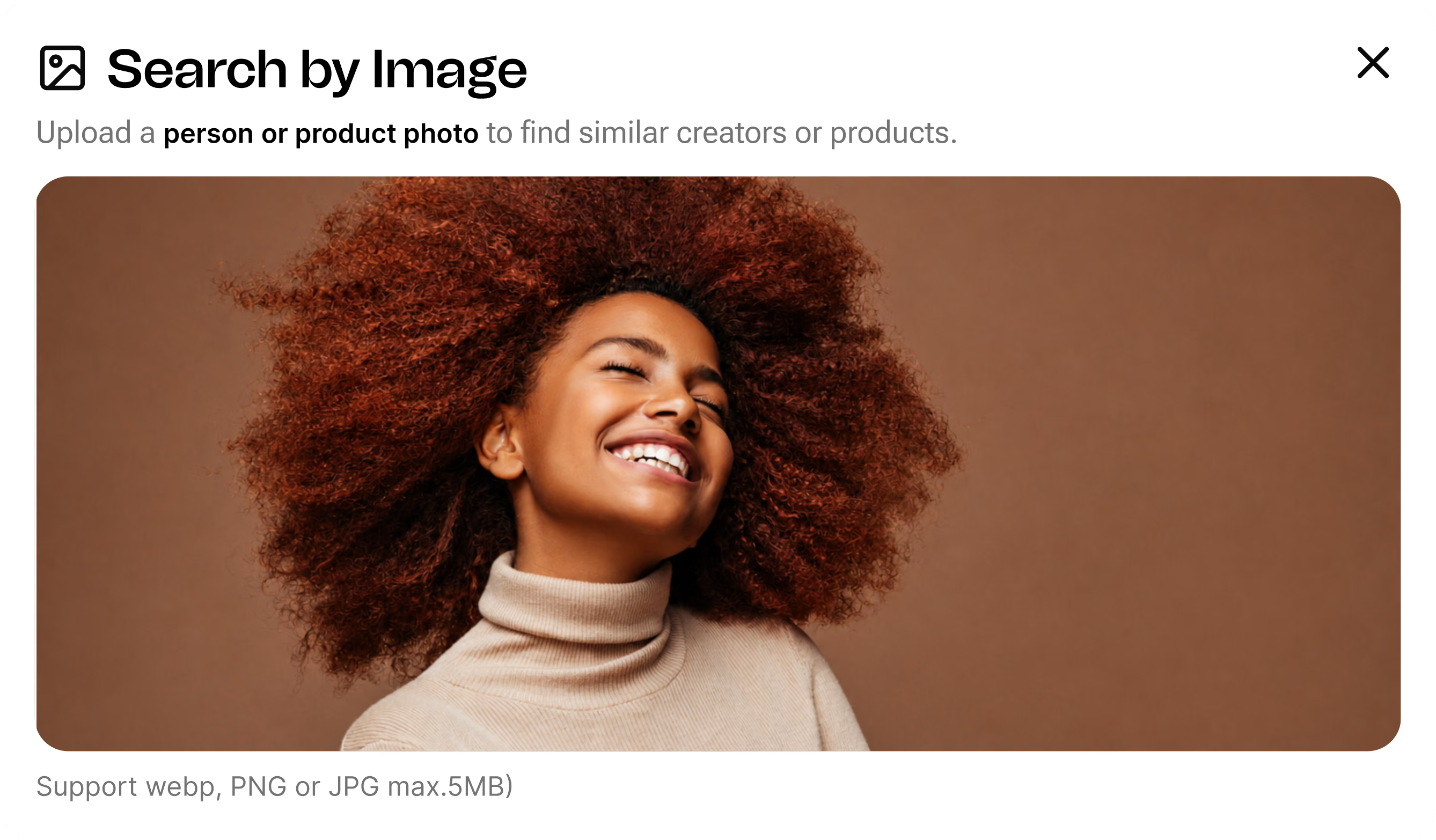
Upload a product photo, paste a creator's @handle, or point at your own shop's top sellers — Quacko finds the lookalikes and the closest visual match.
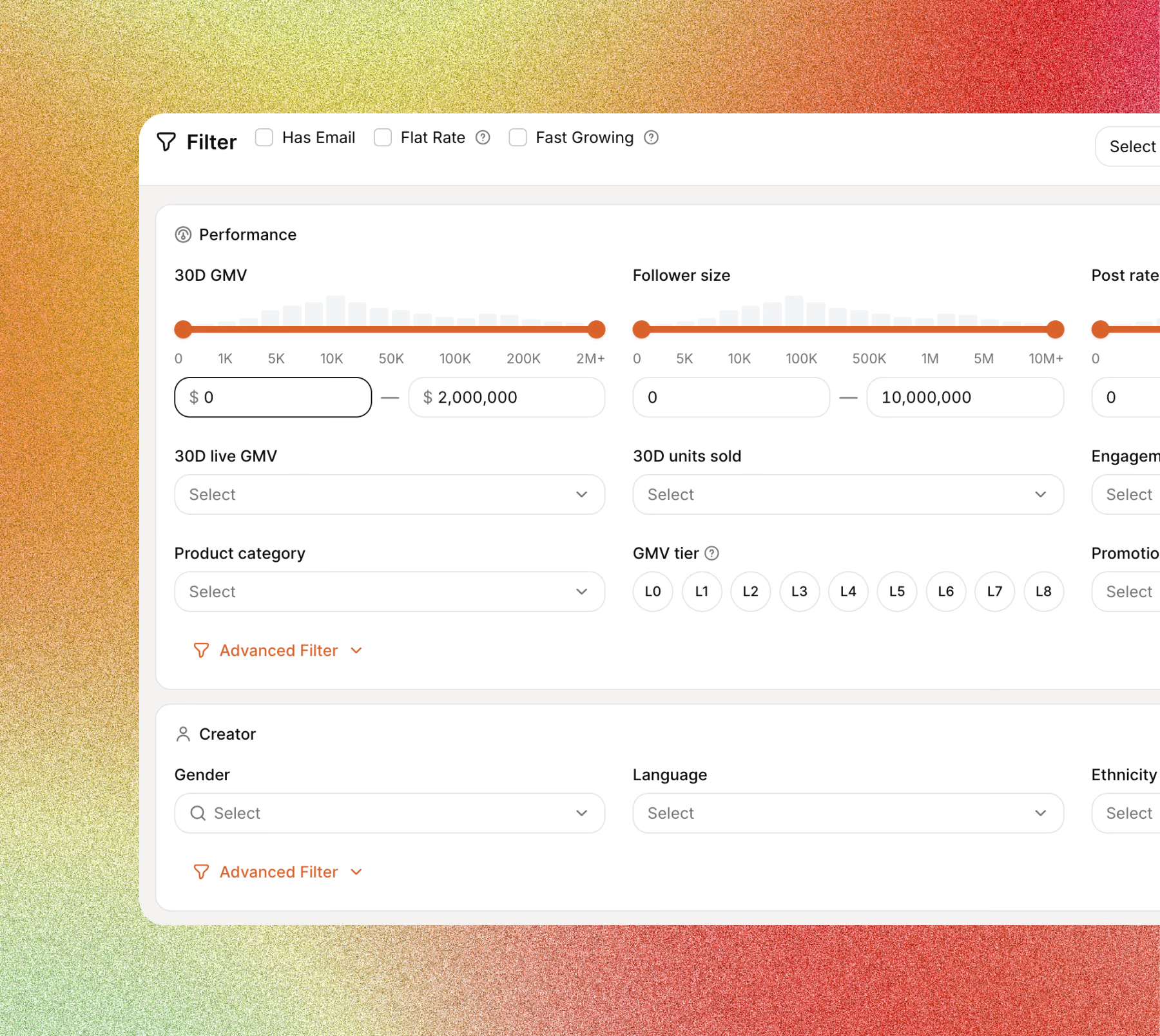
Dial in GMV, engagement, post rate, and 17 more filters — then add matches straight to a list, or hand them to Automated Outreach.
Feature highlights
Type a plain-English query, drop in an image, paste a creator handle, or start from a product in your catalog.
Weight bio text, video content, transcript, and visuals independently — "on a kitchen counter" finds it in the footage, not just the bio.
Layer on GMV, engagement, follower size, and more — grouped into Performance, Creator, and Video — then save the combination to reuse.
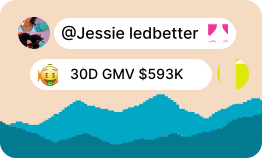
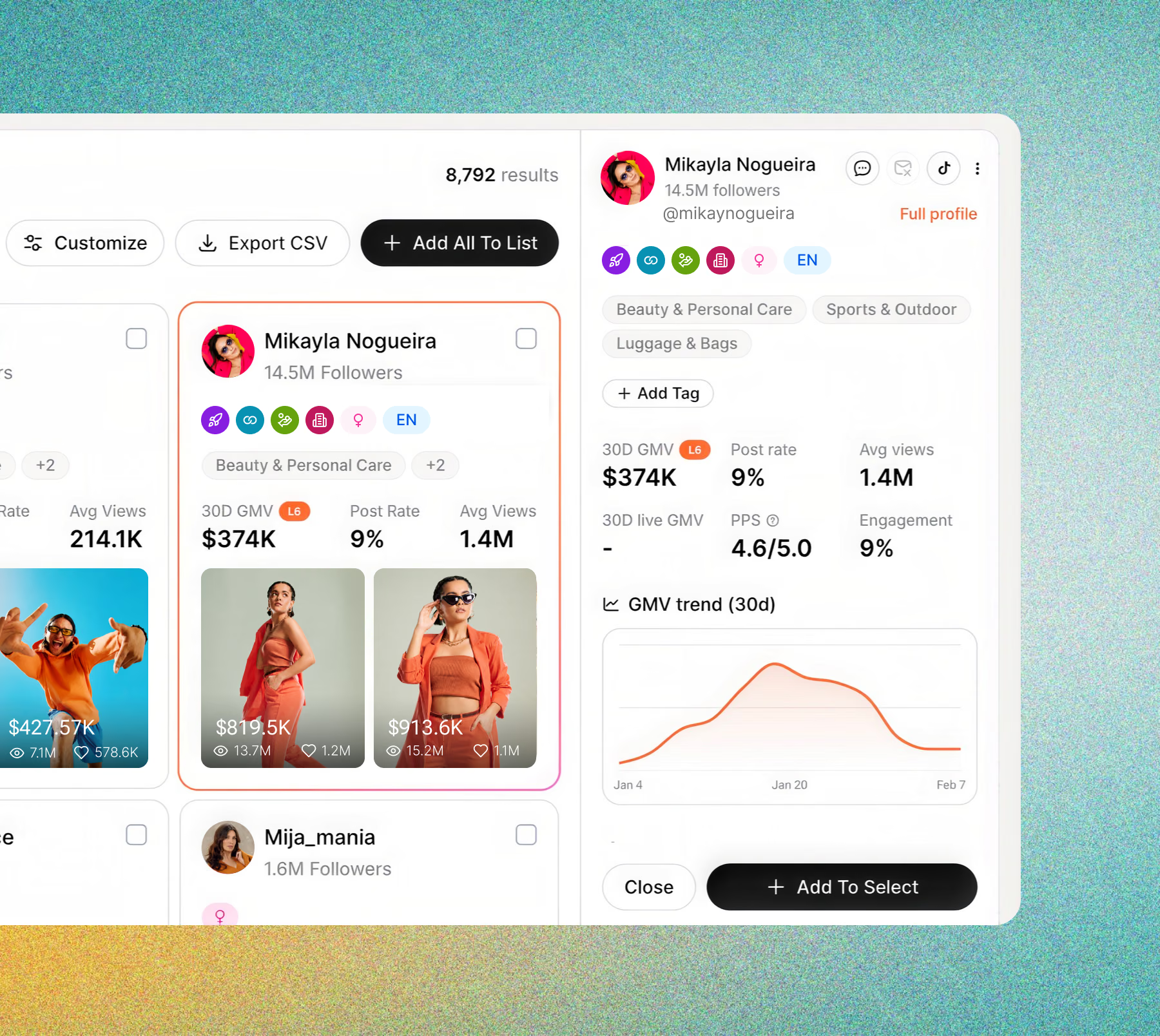
Open any result without leaving your list — GMV, post rate, engagement, tags, category, and a 30-day trend, all in one panel.
Rank and select the best creators across the full result set, not just the page you've scrolled to.
Add matches to a creator list, or send them into Automated Outreach — no CSV exports in between.
FAQ
Real TikTok Shop creator profiles and performance data — GMV, engagement, sample score, video content — not just follower counts. Every result links back to the creator's actual videos.
Yes — the Match By control lets you weight Bio Text, Video Content, Transcript, and Visual matching independently. A query like "products shown on a kitchen counter" can match on what's actually in the video, not just what a creator wrote in their profile.
Open the Filter panel — 20+ dimensions grouped into Performance (GMV, follower size, post rate, engagement, GMV tier, PPS), Creator (gender, language, ethnicity, content style) and Video (avg. views, face visibility). Save any combination as a preset to reuse later.
Add them to a creator list, or push them straight into Automated Outreach with one click from the results page — no exporting to a spreadsheet first. See plans for how many searches and outreach sends each tier includes.
See Quacko on your own product and category in a 20-minute walkthrough.
No credit card required.