

Connect Your Sender
Connect Gmail or Outlook, review account status, and set a daily sending limit.
Connect Gmail or Outlook, select a creator audience, and launch email sequences with templates, attachments, follow-ups, and sender-level limits.

How it works
Connect Gmail or Outlook, review account status, and set a daily sending limit.
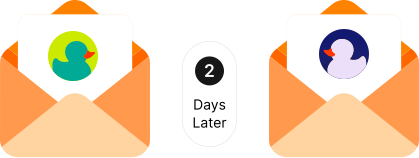
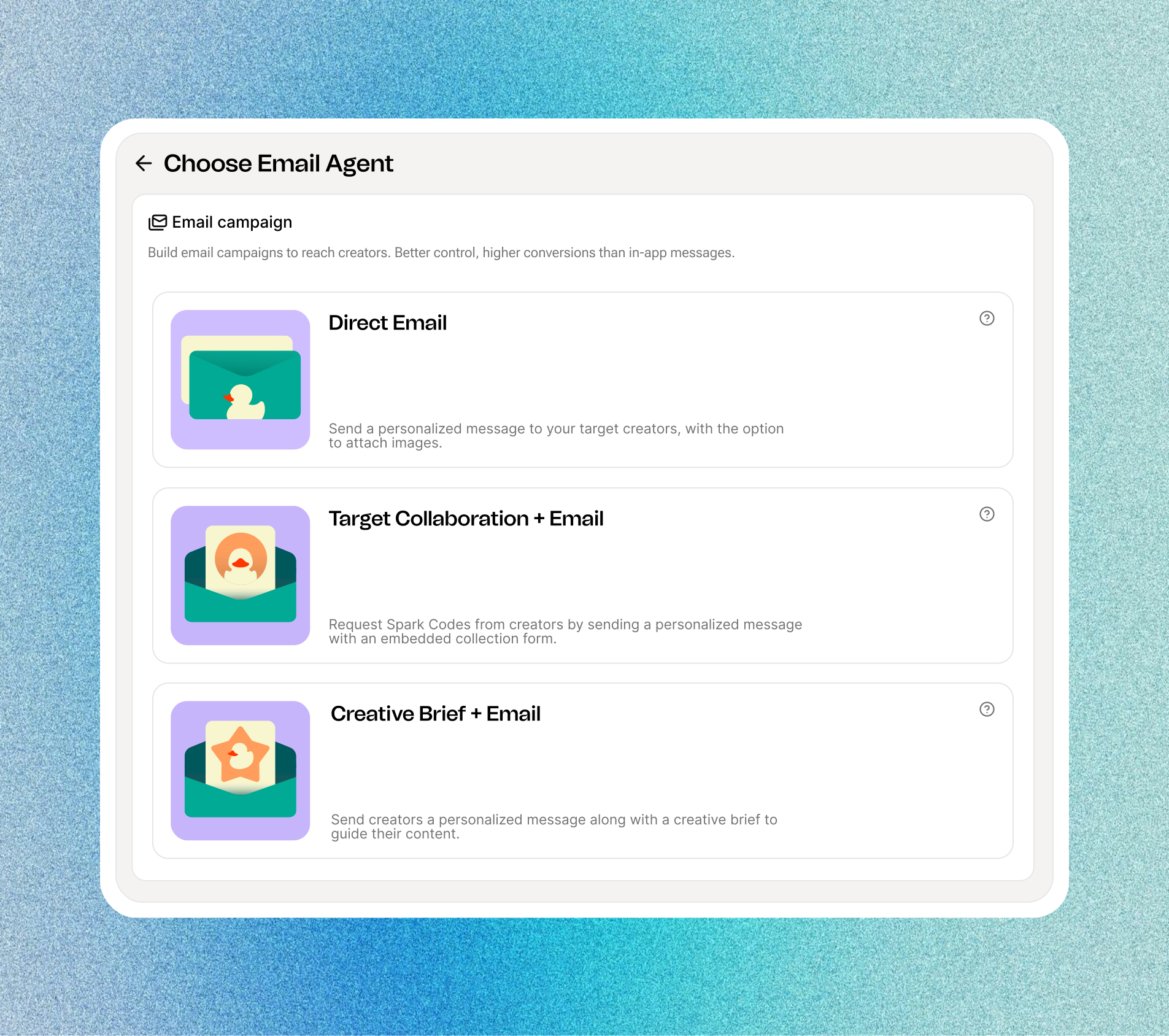
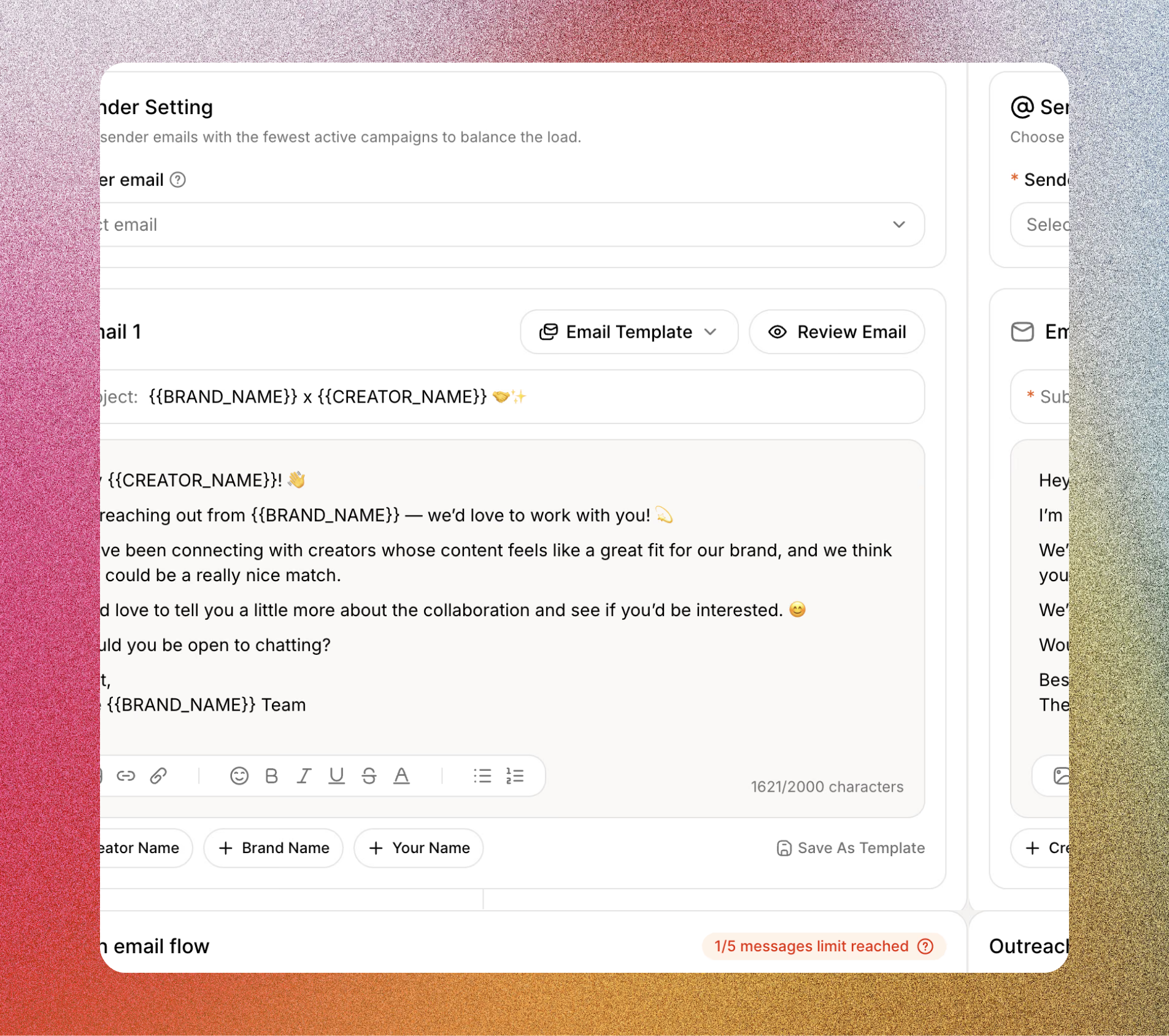
Choose your email agent, select creators, and personalize your opening email and follow-ups.
Launch your campaign and follow creators reached, open rates, and replies in one dashboard.
Feature highlights
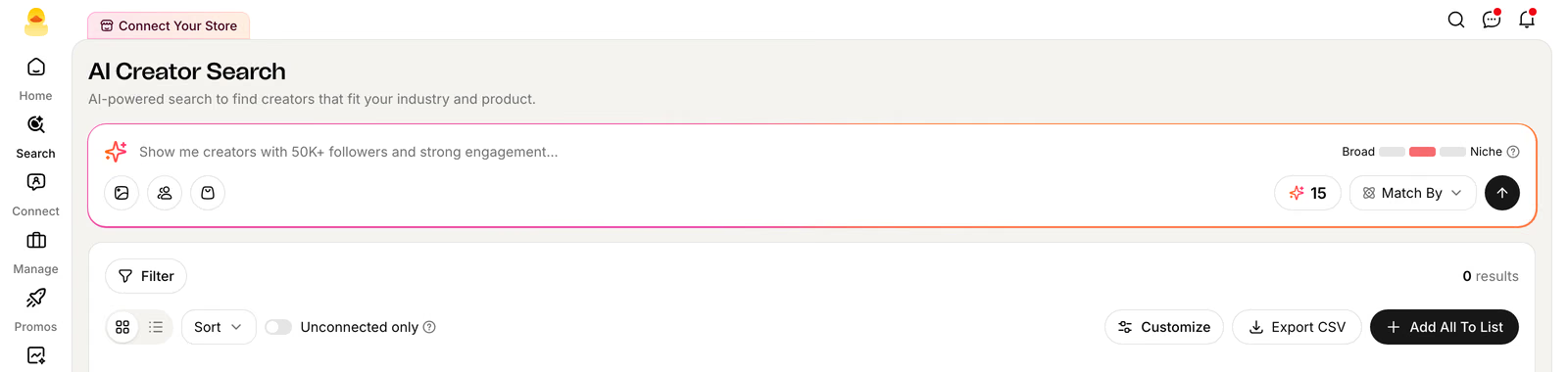
Build your audience with filters, lists, or groups. Exclude creators you don’t want to contact and see how many have email addresses before you launch.
Check sending capacity and assigned agents for each mailbox, so you can plan your next campaign with room to send.
Find creator emails in one inbox. Filter by sender or read status to focus on the conversations that need attention.
FAQ
The Email Account area supports Gmail and Outlook sender accounts. Connected senders have their own status, daily limit, sending load, and assigned-agent count.
You can create a Direct Email agent, Target Collaboration + Email agent, or Creative Brief + Email agent.
Yes. Email setup supports creator and brand variables, reusable templates, editable subjects and bodies, attachments, and content specific to the selected agent type.
Yes. You can add follow-up messages to the email sequence and configure them during the same guided setup.
The Email dashboard includes creators reached and remaining, the sender account and daily limit, open rate, reply rate, and each agent’s running, stopped, or draft status.
See Quacko on your own product and category in a 20-minute walkthrough.
No credit card required.