



Automate Routine Creator
Questions With Guardrails
Create reply scenarios for common creator questions, ground answers in your brand and campaign information, and route sensitive decisions back to your team.

Feature highlights
Teach Smart Reply How Your Brand Responds
Configure Reply Scenarios
Set instructions for commission, samples, shipping, Spark Codes, collaboration interest, posting questions, and custom situations.
Ground Answers in Your Data
Use brand guidance, active campaigns, products, creative briefs, uploaded documents, text notes, and FAQs as AI training sources.
Escalate Decisions to People
Messages that require approval or a brand decision move to Needs Your Decision instead of receiving an unsupported automatic answer.
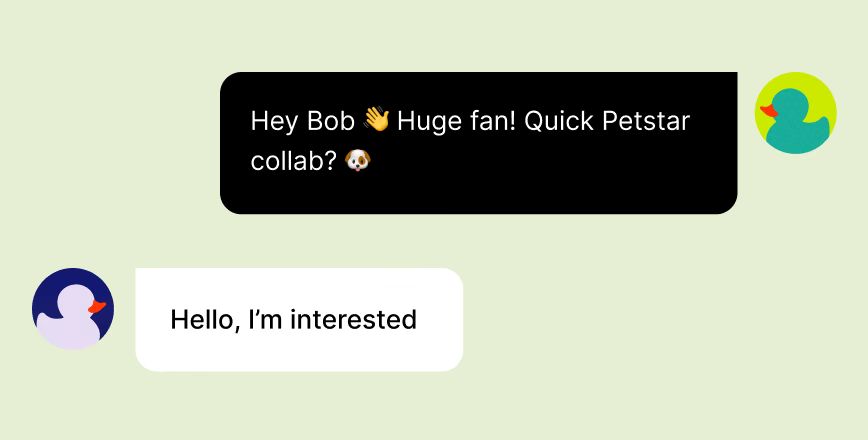
Automate what is known and surface what is not. Adjust tone and creativity, test replies in the simulator, review suggested scenarios, and use the activity view to see what was replied to, skipped, or sent for a decision.
Try For Free ↗FAQ
Smart Reply Questions?
Smart Reply automatically answers creator messages that match enabled scenarios and the guidance you have configured. A master switch can pause all automated replies.
Built-in and custom scenarios cover commission, sample requests and shipping, Spark Codes, collaboration interest, posting questions, product questions, and more.
AI training sources include brand guidance, campaigns, products, creative briefs, uploaded documents, text notes, and FAQ question-and-answer sets.
Questions requiring approval or a business decision are routed to Needs Your Decision for a person to review rather than answered automatically.
Yes. You can adjust tone and creativity, edit scenario instructions and reply text, regenerate a response, and test the result in the simulator.




Find Your Next Top Creator?
See Quacko on your own product and category in a 20-minute walkthrough.
No credit card required.