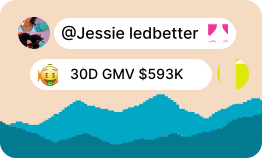


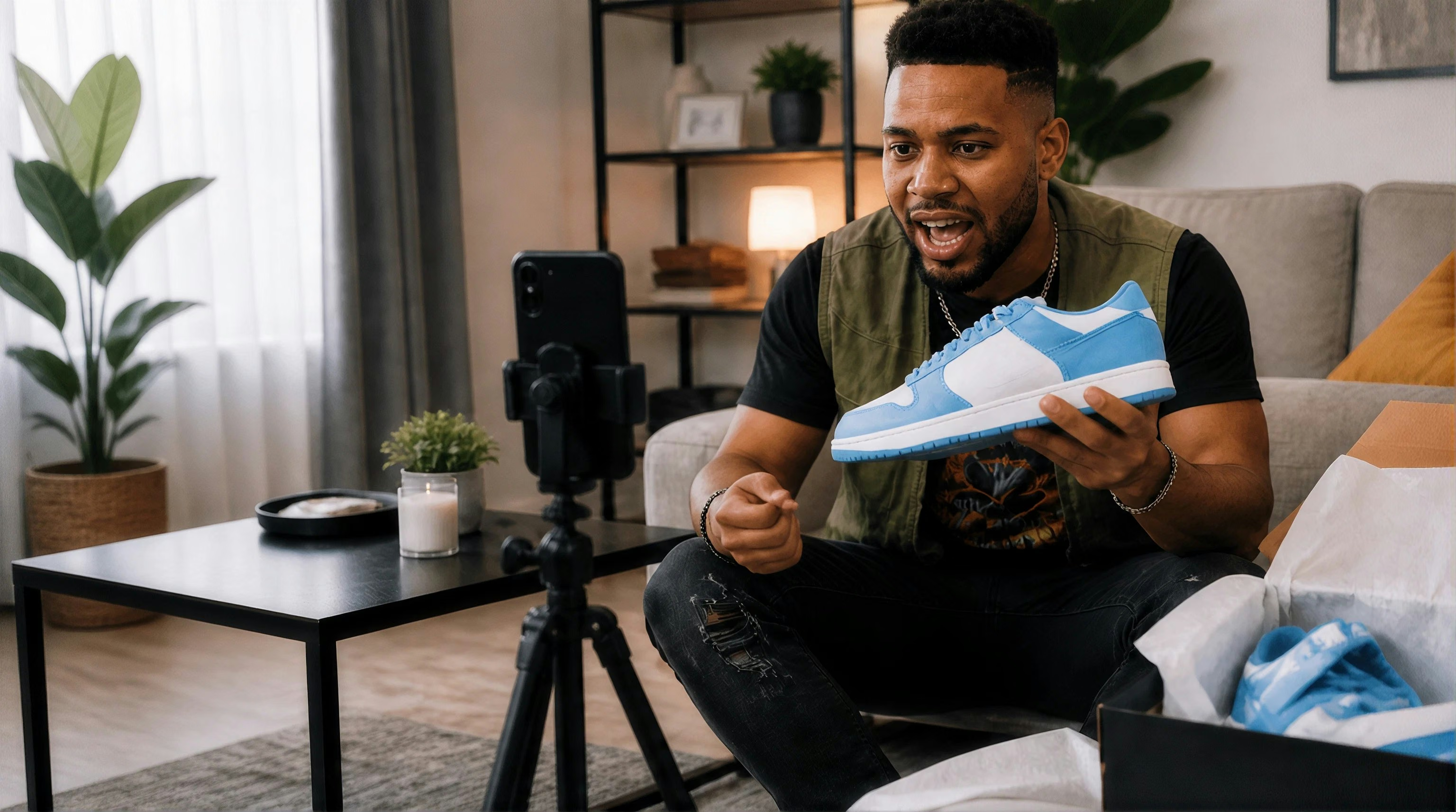


“Do they actually fit our product?”
A bio only tells part of the story. Finding the right content style means checking video after video.
Turn a product brief into a focused creator shortlist. Search with AI, refine by performance, and find the right fit for your next TikTok Shop campaign.
When discovery becomes guesswork
Open another profile. Try another keyword. Start another spreadsheet. Finding creators gets harder when the information you need is scattered across tabs.
A bio only tells part of the story. Finding the right content style means checking video after video.
Saved handles and scattered notes make it hard to turn promising finds into a focused shortlist.
Follower counts alone do not show product fit. You need performance and content context together.
Manual discovery vs. AI Creator Search
Describe the creators you need, refine the matches, and review their content and performance in one workflow. Here’s how discovery changes with Quacko.

From your product brief to a creator shortlist. Discover, refine, and review your matches in six steps.


Feature highlights
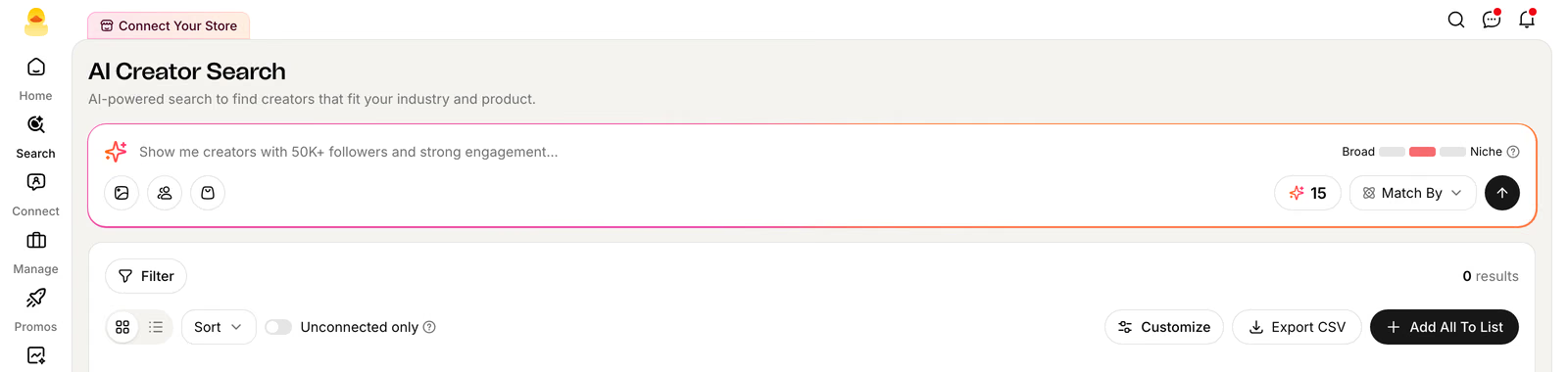
Describe your product, audience, and ideal content to start discovering creators.
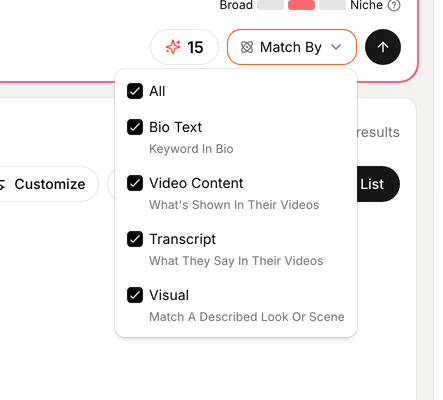
Match on bios, video content, transcripts, and visuals to explore product fit.
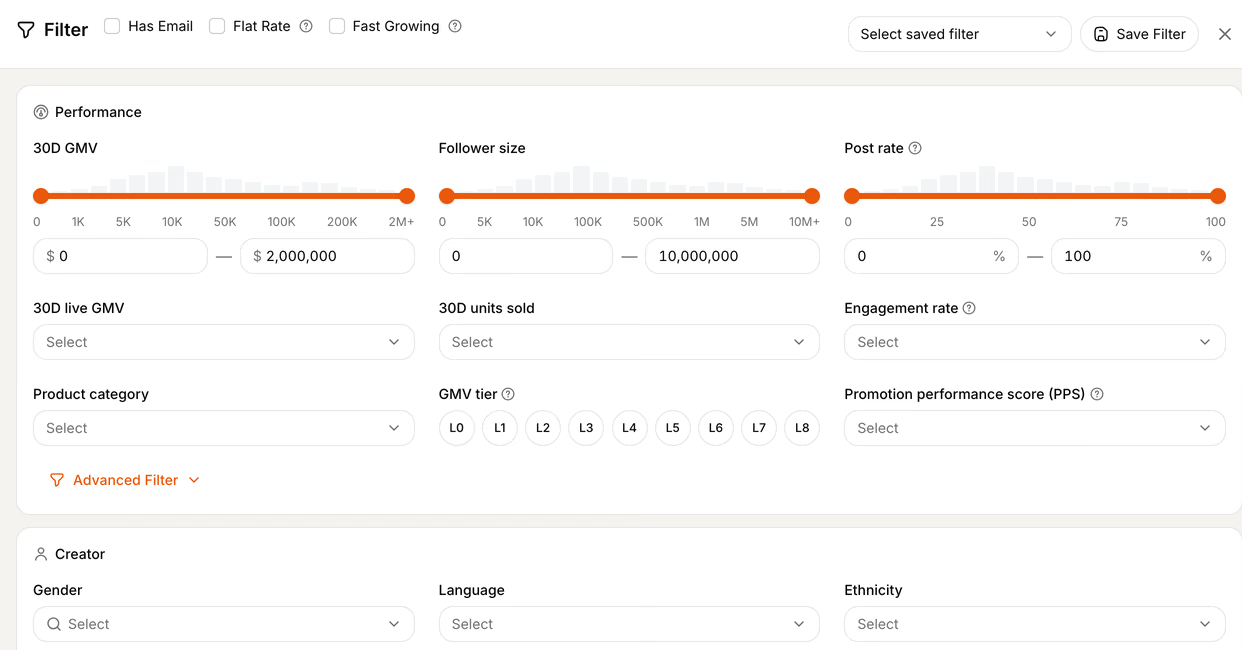
Refine by GMV, engagement, follower size, and other relevant signals.
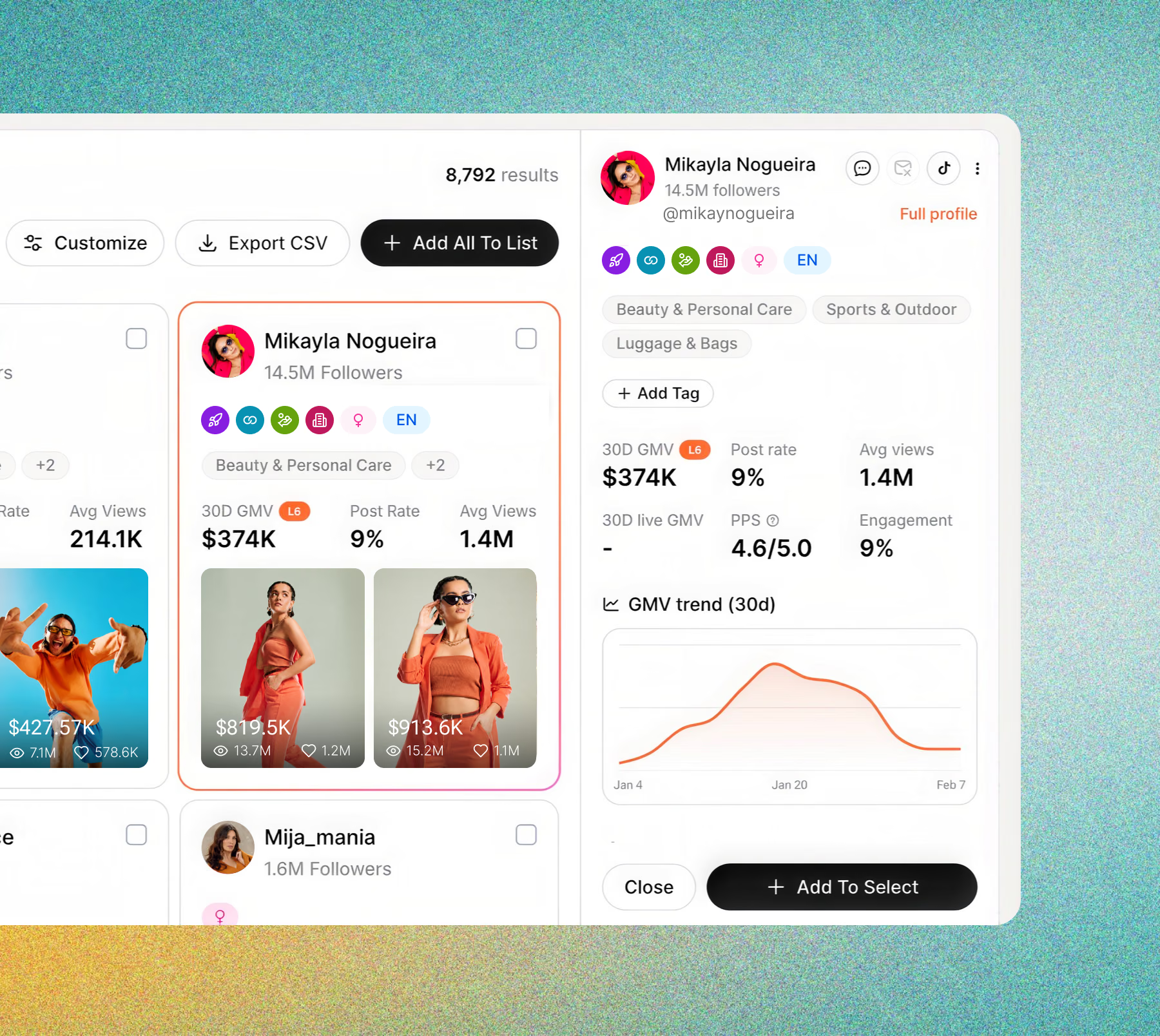
Review content, category, and performance without losing your place in the results.
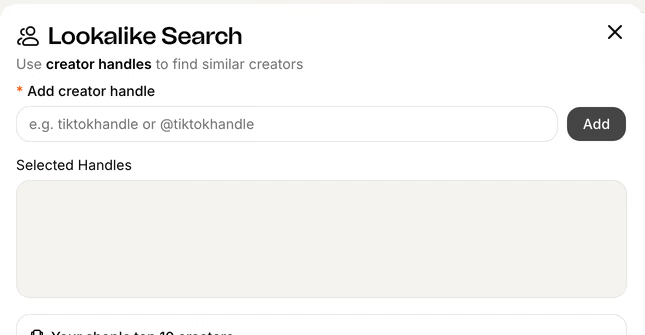
Start from a creator handle, image, or product to explore relevant matches.
Save your shortlist and bring selected creators into your outreach workflow.
Clear brief. Relevant creators.
Bring your product brief into AI Creator Search. Explore relevant content, compare performance, and create a shortlist your team can turn into creator partnerships.
FAQ
AI Creator Search helps you discover TikTok Shop creators from a plain-English brief, then refine matches using content and performance signals.
Describe your product, intended audience, and the content you want creators to make. Start with the most important criteria, then refine your results with filters.
Yes. Match By lets you adjust Bio Text, Video Content, Transcript, and Visual matching to suit your brief.
Use Performance, Creator, and Video filters to focus your results. Review relevant signals such as GMV, engagement, follower size, and average views, and save useful combinations as presets.
Yes. Start a lookalike search with a creator handle. You can also explore discovery from an image or a product, then review the matches against your campaign brief.
Review their profiles, select the creators that fit, and add them to a list. When your offer and campaign are ready, move your shortlist into outreach.
See Quacko on your own product and category in a 20-minute walkthrough.
No credit card required.